The
Glossary and Hyperlinks
|
To
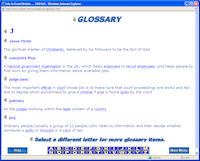
help learners with words they may not understand, they can look up words
and phrases in the GLOSSARY. They simply click
on any words that are highlighted.
Within the glossary items themselves there may be other highlighted words,
and clicking on these will give their meanings.
|
 |
 |
The
complete glossary can be viewed for reference by clicking on “Glossary”
on the Main Menu. To view words beginning with a certain letter, click on
the “keypad” at the foot of the screen. Also at the end of each chapter you can find a "List of Key Terms", which will provide a reference of clickable words and phrases used in the chapter to bring up glossary links for the difficult terms encountered. |
Hyperlinks:
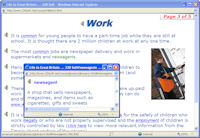
Within the text, some items are highlighted and underlined with a solid
line. These are hyperlinks to external web sites. Clicking on these opens
the default Internet browser and loads the page.
|
 |